
Background Remover
Upload an image (JPG/PNG) — we'll remove the background automatically and give you a transparent PNG.
Click to choose a file, or drag & drop here
Background
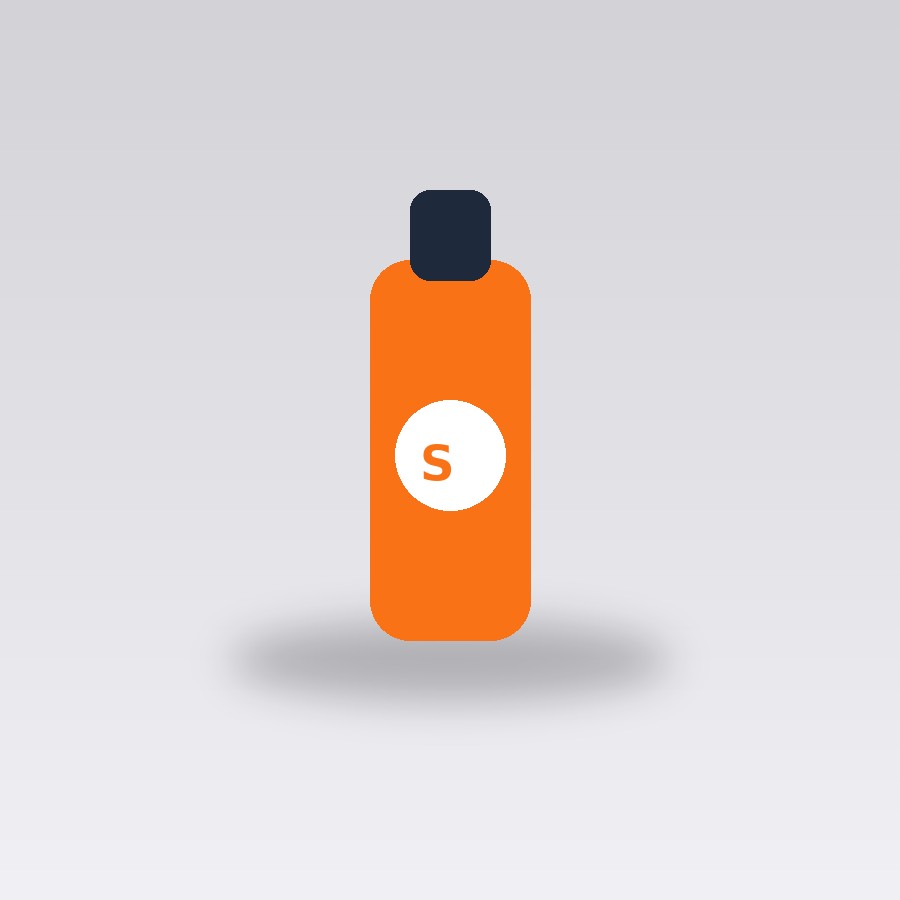
Original photo
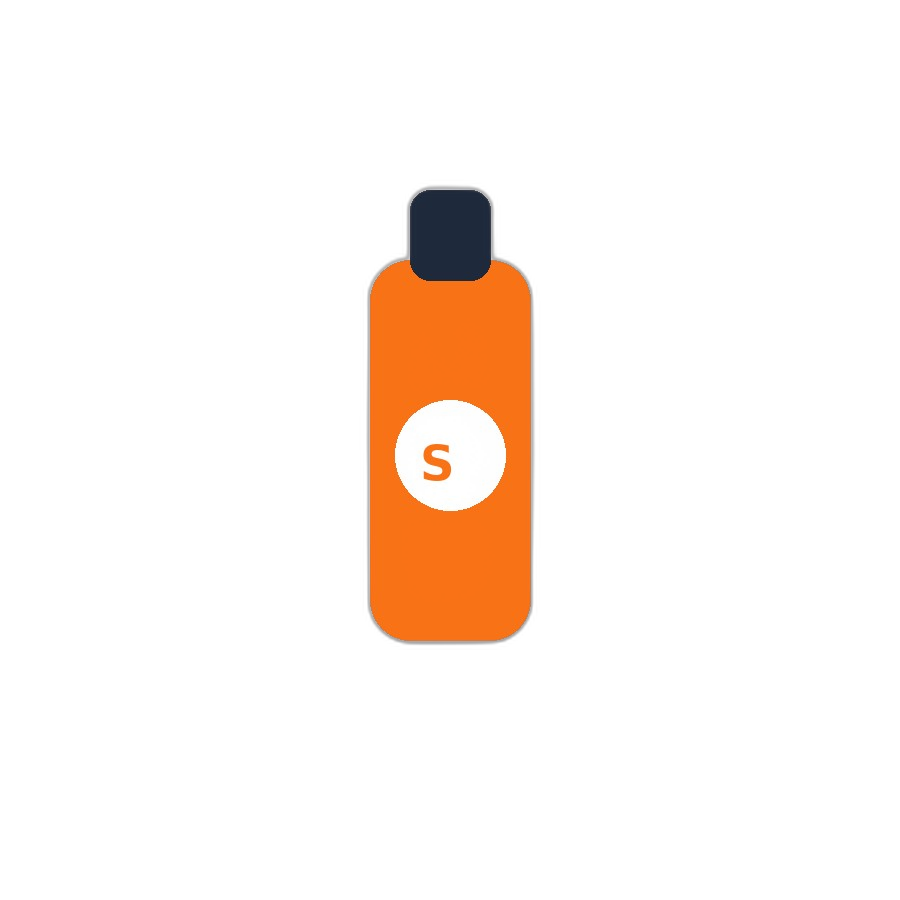
Background removed
About this tool
This background remover uses an AI segmentation model to detect the main subject in your photo and cut it out from its background automatically — no manual selection, no lasso tool, no design skills needed. It works well on people, products, animals, logos, and most everyday photos. The result is a clean PNG with a transparent background you can drop straight into a presentation, product listing, or another design.
If you'd rather not deal with transparency at all, you can also swap in a solid color background (white, black, or a custom color) directly in the tool, which is handy for marketplaces that require a plain-color product photo instead of transparency. Results are best on photos with a reasonably distinct subject — very fine detail like loose hair strands or semi-transparent objects (glass, smoke) can sometimes leave a soft edge, which is a known limitation of AI segmentation in general, not just this tool.
How to use it
- Click the upload box (or drag & drop) and choose a JPG, PNG, or WebP image.
- Wait a few seconds while the AI detects and removes the background.
- Optionally pick a solid background color instead of transparency.
- Preview the result directly on the page.
- Download the PNG — the background stays exactly as you chose wherever you paste it.
Example uses
- Cut a product photo out of its studio background for an online store listing.
- Remove the background from a profile photo before adding it to a resume or LinkedIn banner.
- Isolate a logo from a scanned or photographed background for reuse elsewhere.
- Swap a photo's background to solid white for a marketplace listing that requires it.
Frequently asked questions
Does it work on any type of photo?
It works best on photos with one clear main subject — people, products, animals, or logos. Busy scenes with multiple overlapping subjects, or very fine detail like loose hair, may come out slightly imperfect around the edges.
Can I get a solid color background instead of transparent?
Yes — after removing the background, you can choose Transparent, White, Black, Green, Blue, or a custom color before downloading.
Is there a limit to how many images I can process?
There's a daily fair-use limit shared across all tools on the site to prevent bot abuse (10/day as a guest, higher when logged in) — normal, everyday use won't come close to it.