
Image Resizer
Upload an image, enter the exact width and height you want, and download the resized version.
Click to choose a file, or drag & drop here
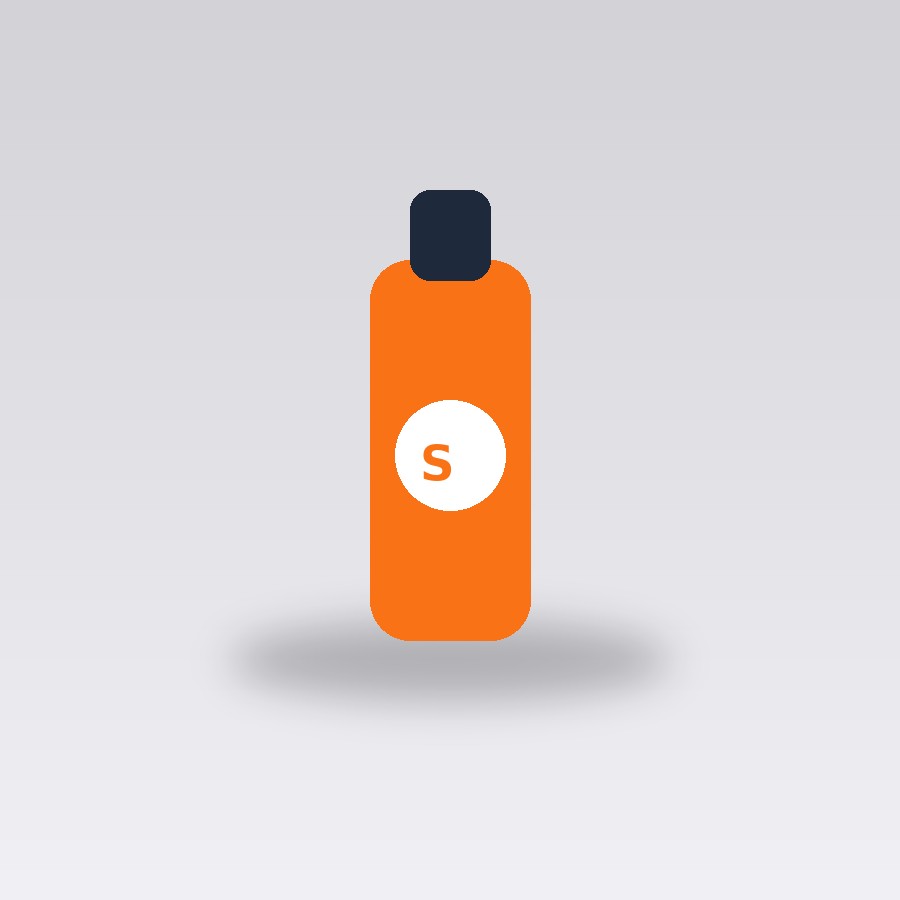
Original (900x900)
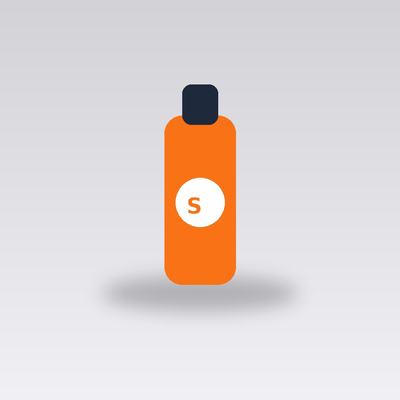
Resized (400x400)
About this tool
Resize any image to an exact custom width and height in pixels — useful when a website, form, or print template requires a specific image size. Unlike a crop tool, this stretches or compresses the image to fit the exact dimensions you enter.
Because this stretches to fit rather than cropping, entering dimensions with a very different aspect ratio from the original photo will distort it (a square photo forced into a very wide rectangle, for example, will look stretched). For a distortion-free result, pick target dimensions that keep roughly the same width-to-height ratio as your original image, or crop it to that ratio first in any basic photo app before resizing here.
How to use it
- Upload the image you want to resize.
- Enter the exact width and height you need, in pixels.
- Click Resize Image.
- Download the resized PNG.
Example uses
- Resize a photo to the exact pixel dimensions a job application form requires.
- Shrink a large photo down to a specific banner size for a website.
- Prepare an image at the exact size a print shop template specifies.
- Resize a profile photo to the exact square dimensions a platform requires.
Frequently asked questions
Will resizing distort my photo?
If the target width/height ratio is very different from the original image's ratio, yes — the image stretches to fit exactly, it doesn't crop. Keep a similar aspect ratio to the original to avoid visible distortion.
What file format does it output?
The resized image downloads as a PNG regardless of the original format, keeping quality lossless at the new dimensions.
Can I resize based on a percentage instead of exact pixels?
Not currently — this tool takes an exact target width and height in pixels, which matches most real-world requirements (forms, templates, platform specs) more directly than a percentage would.