
Watermark Remover
Upload an image, drag a box over the watermark, and we'll remove it using AI inpainting.
Click to choose an image
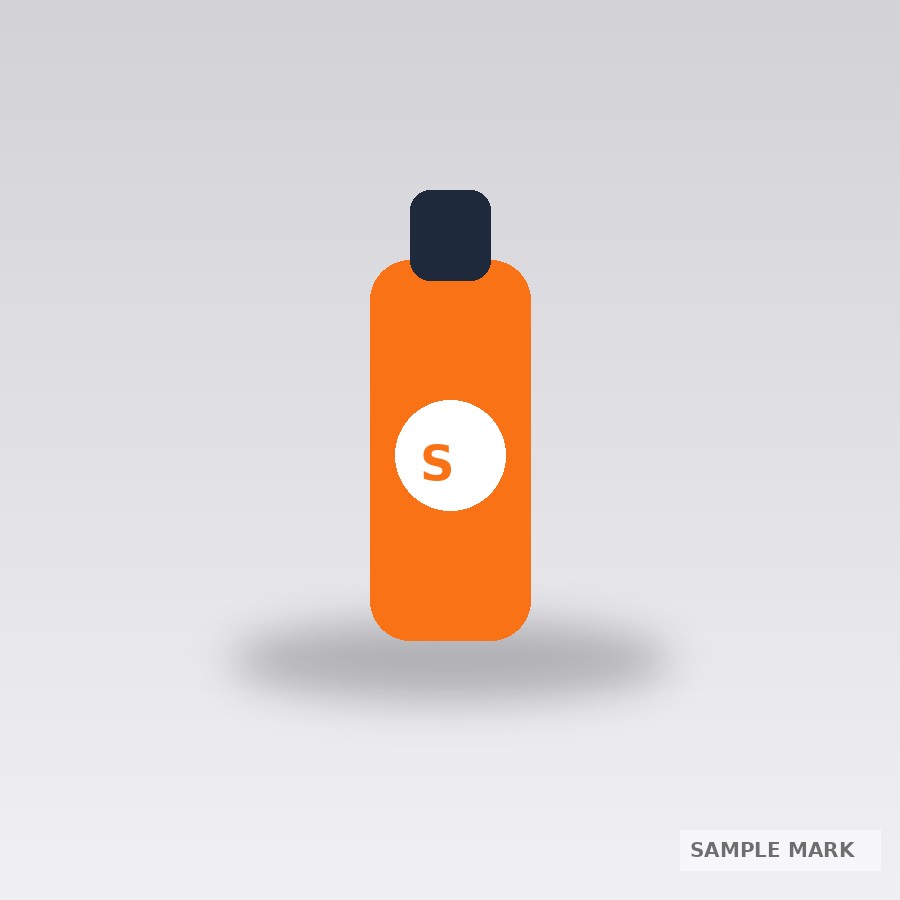
With watermark

Watermark removed
About this tool
Drag a box over an unwanted watermark, logo, or object in your photo and this tool uses AI inpainting to blend that area back in using the surrounding image content. It works best on watermarks placed over reasonably simple or repetitive backgrounds — very small watermarks over busy, highly detailed backgrounds may still leave a faint trace, since this uses classical inpainting rather than a full generative model.
For the cleanest result, draw the selection box slightly larger than the watermark itself rather than tracing it exactly — this gives the inpainting algorithm more surrounding context to blend from and usually produces a smoother patch. This tool is intended for removing your own overlays, timestamps, or watermarks you have the rights to remove (e.g. from your own photos) — not for stripping copyright watermarks off content you don't own.
How to use it
- Upload the image you want to edit.
- Drag a selection box over the watermark or unwanted area.
- Click Remove — the tool blends that region using the surrounding pixels.
- Preview and download the result.
Example uses
- Remove a small stock-photo watermark before using an image internally.
- Erase a timestamp overlay from a screenshot.
- Clean up a logo watermark left in the corner of a downloaded image.
- Remove an old date-stamp overlay from a scanned family photo.
Frequently asked questions
Will it leave a visible trace behind?
On simple, mostly uniform backgrounds (sky, plain walls, solid colors) it usually blends seamlessly. On busy, highly detailed backgrounds a faint trace can remain, since this uses classical inpainting rather than a full generative AI model.
Should the selection box exactly trace the watermark?
No — draw it slightly larger than the watermark itself. The extra surrounding area gives the algorithm more context to blend from and usually produces a cleaner result.
Can I use this to remove someone else's copyright watermark?
This tool is meant for removing your own overlays or watermarks you have the rights to remove — not for stripping copyright protection off content you don't own.